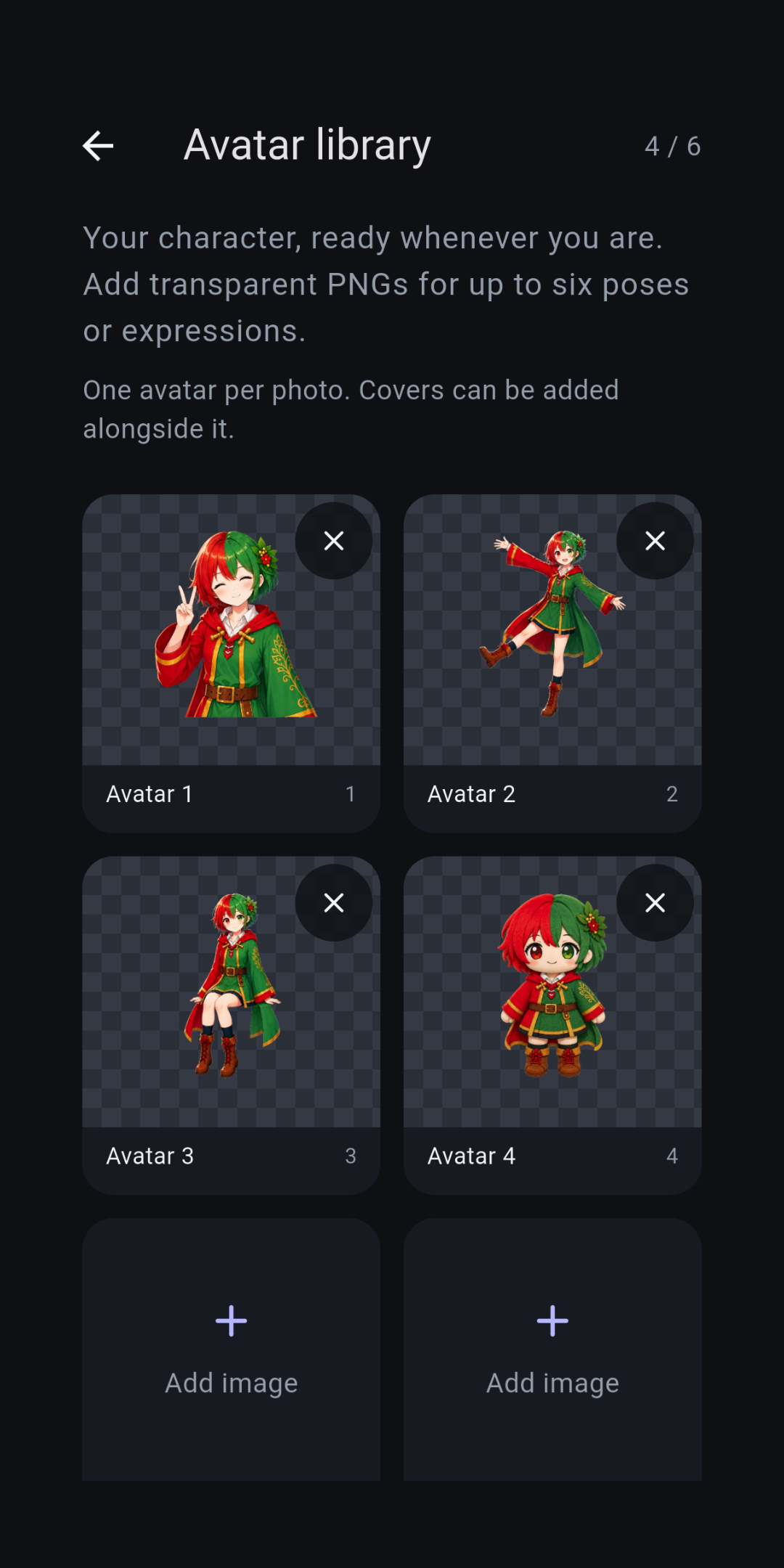
Save up to 6 avatars
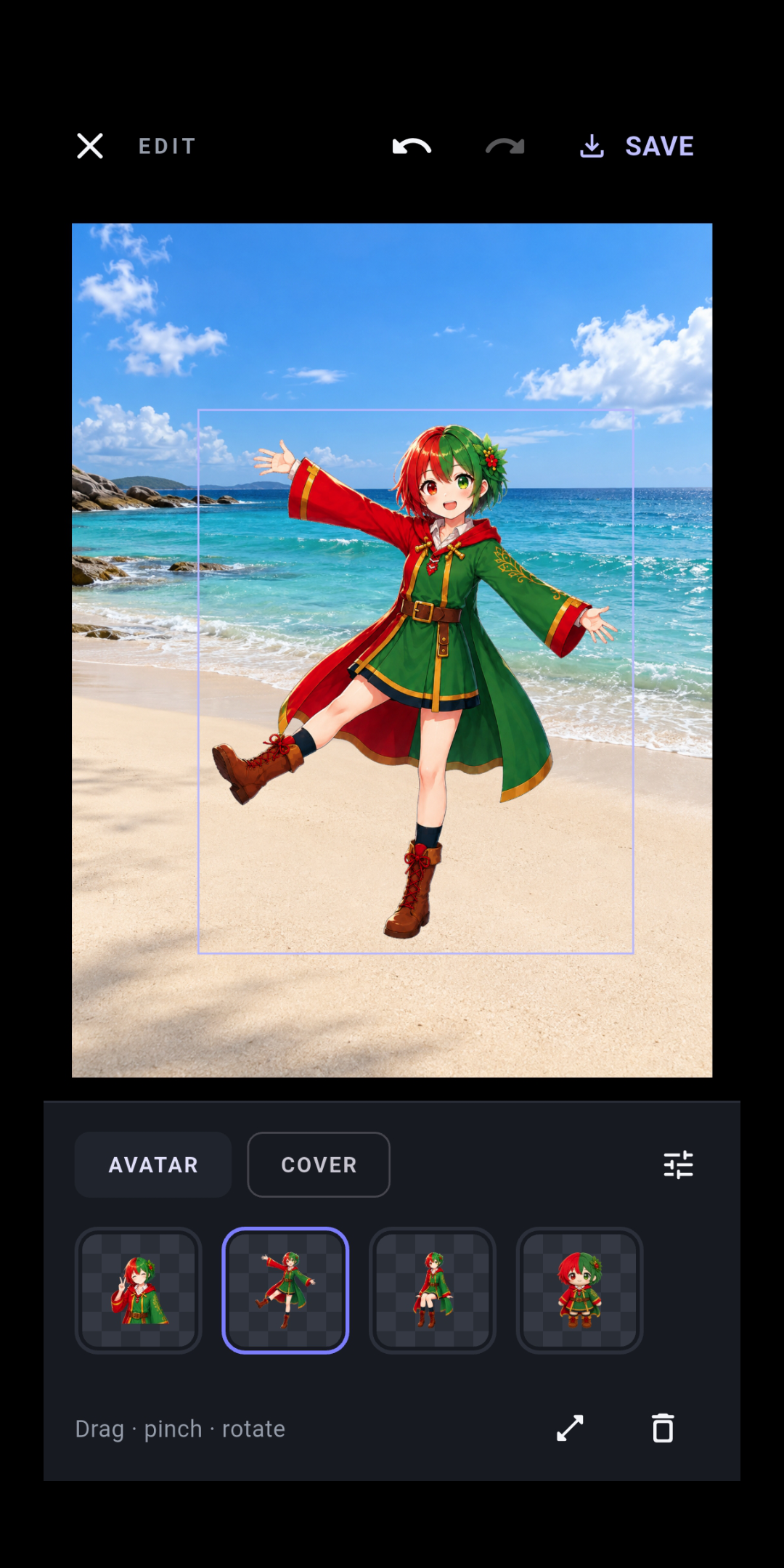
Register PNG images with transparent backgrounds. You can place one avatar in each photo and choose the one that best suits the scene.
 marimotomatoapps
PHOTO EDITOR FOR ANDROID
Layer your favorite avatars and stickers onto your photos to create something that feels like you.
Bring your avatar along on your outings, cover faces with stickers, and edit everything on your device.
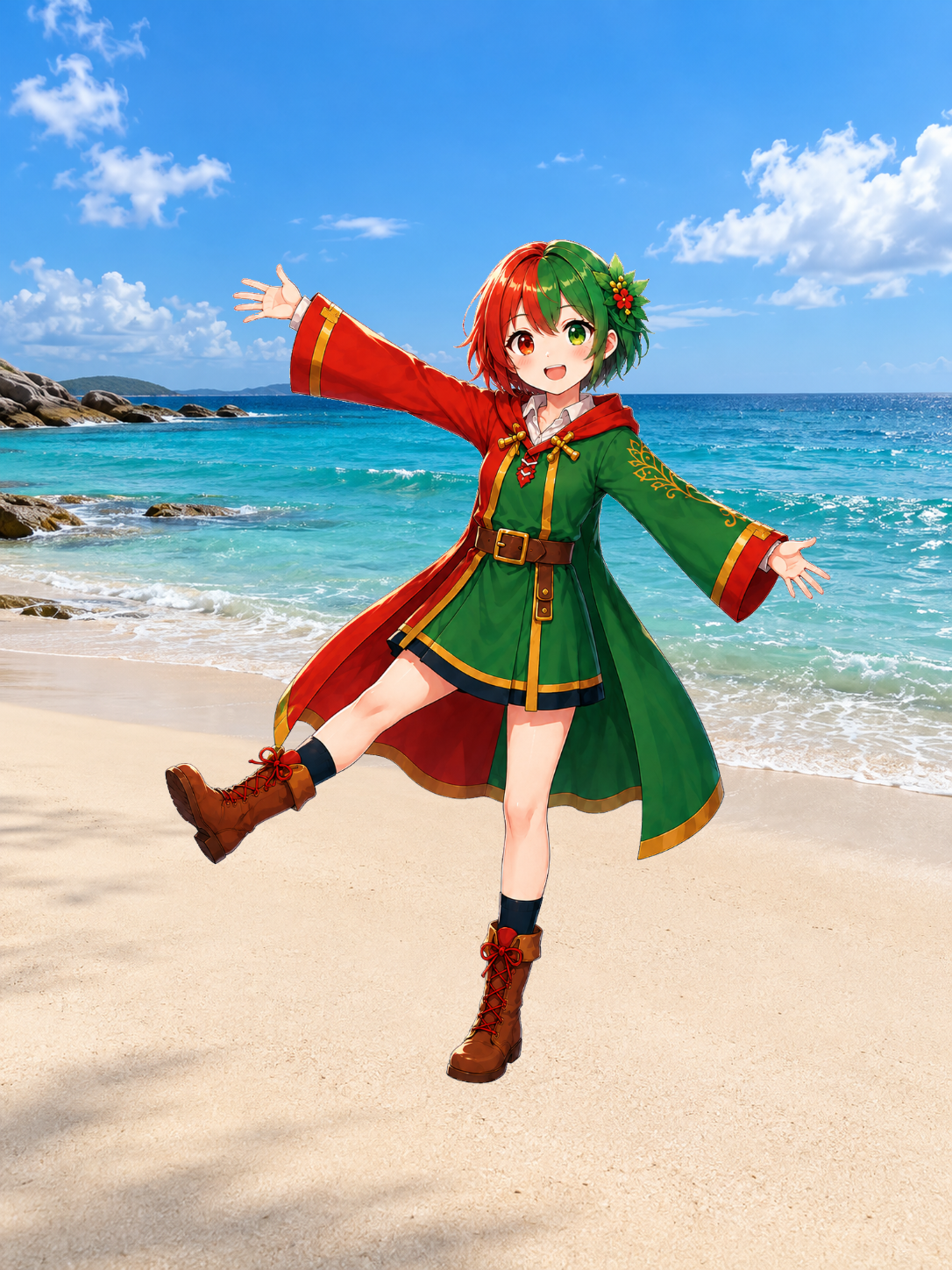
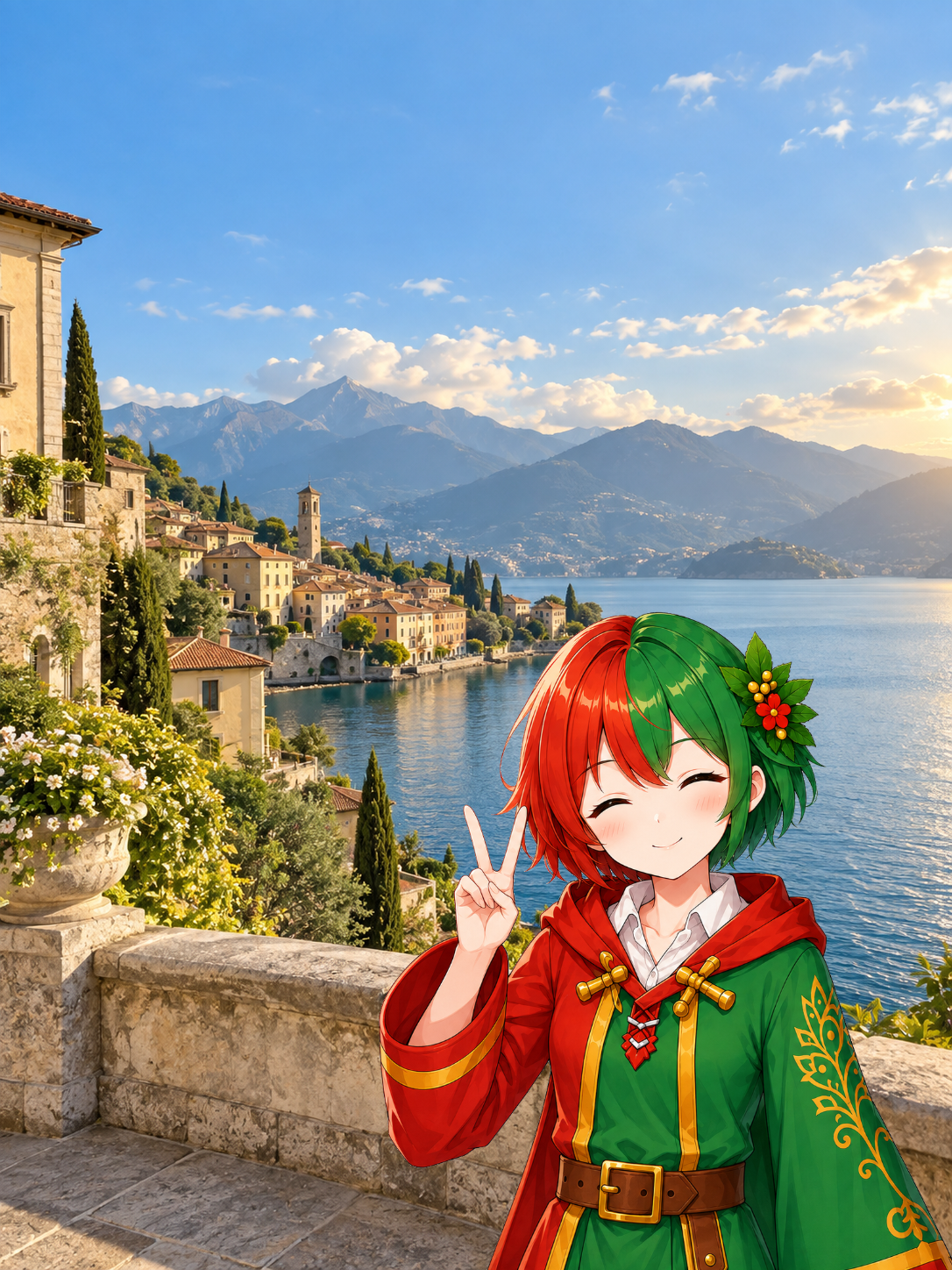
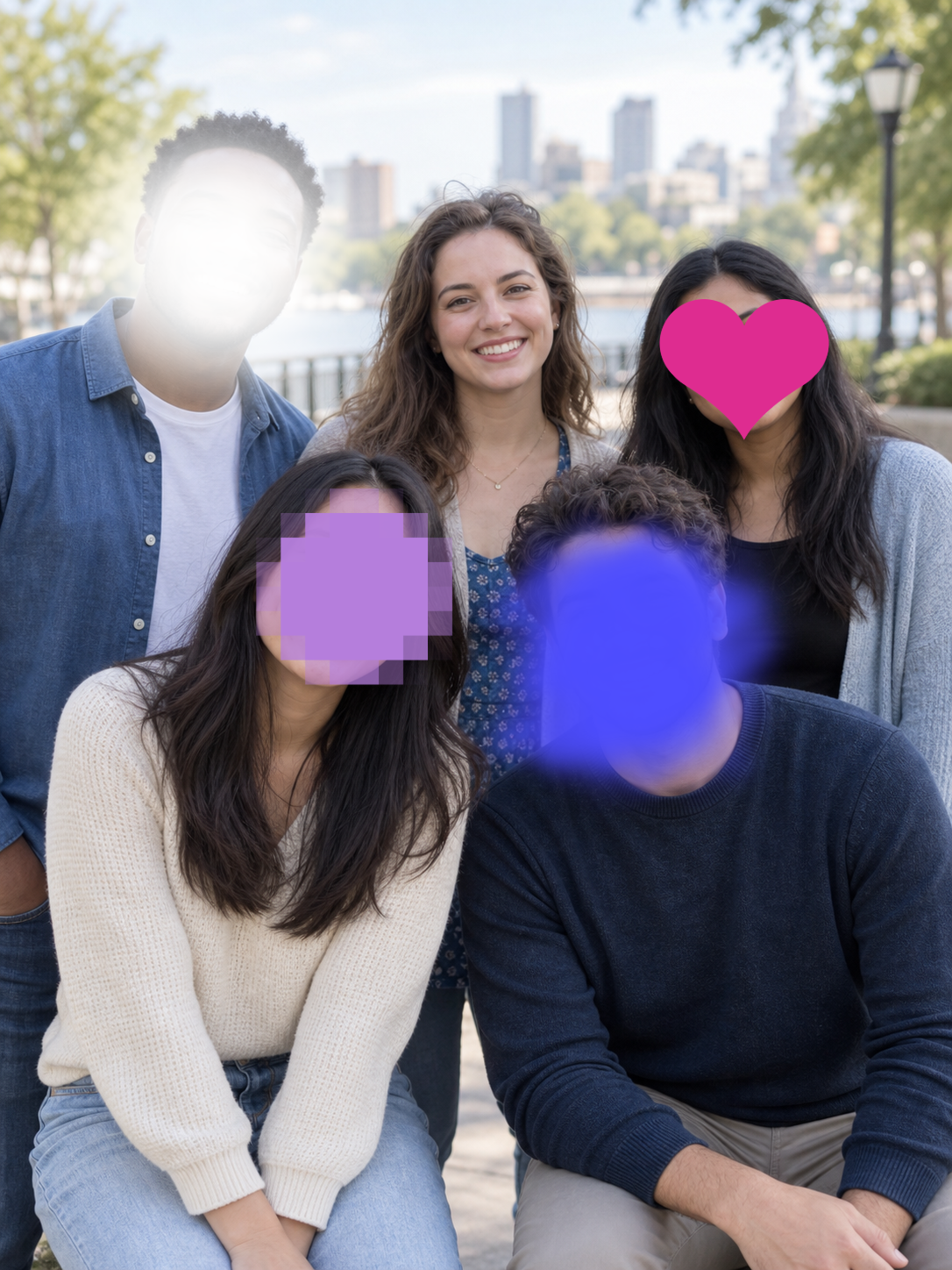
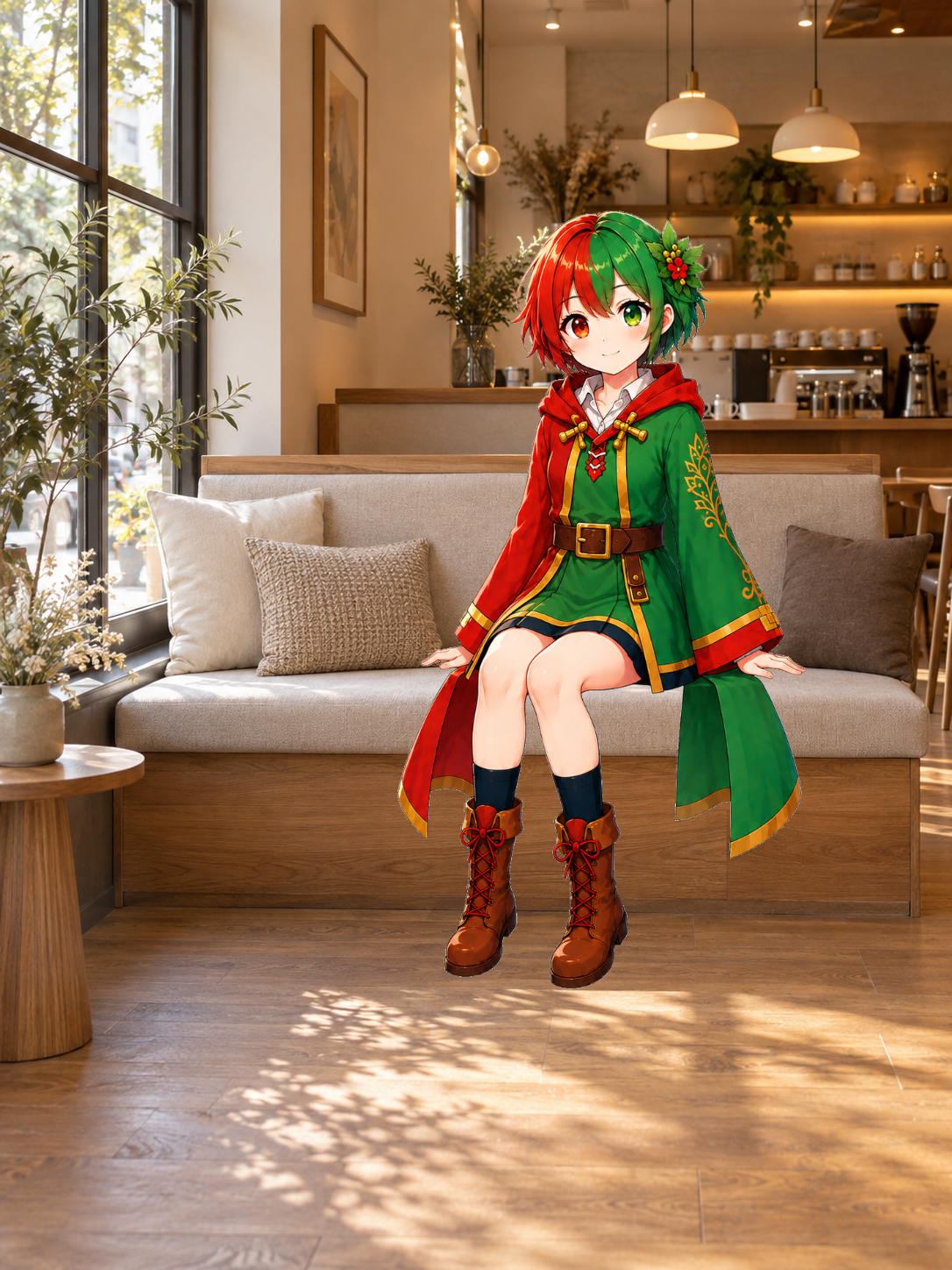
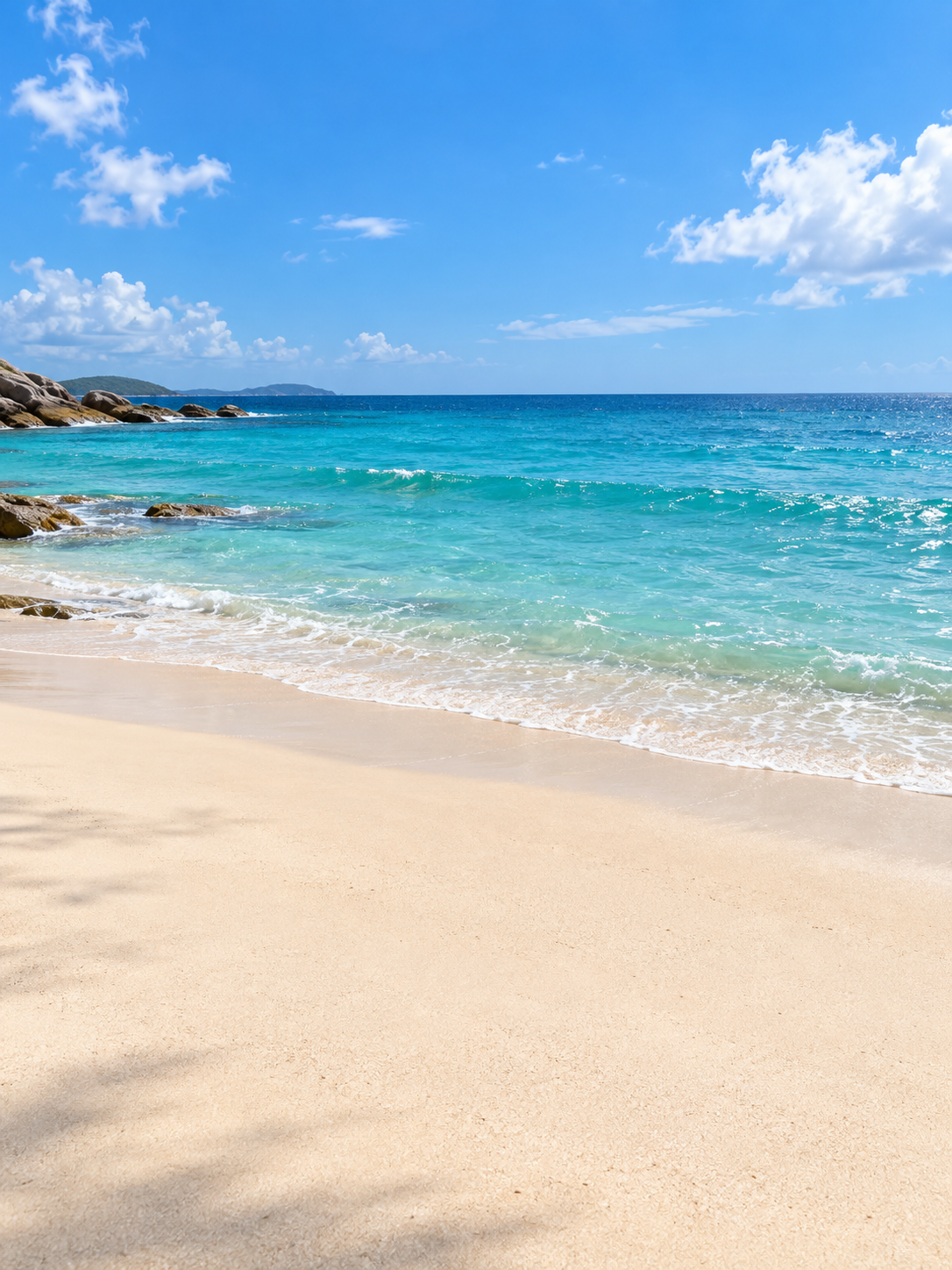
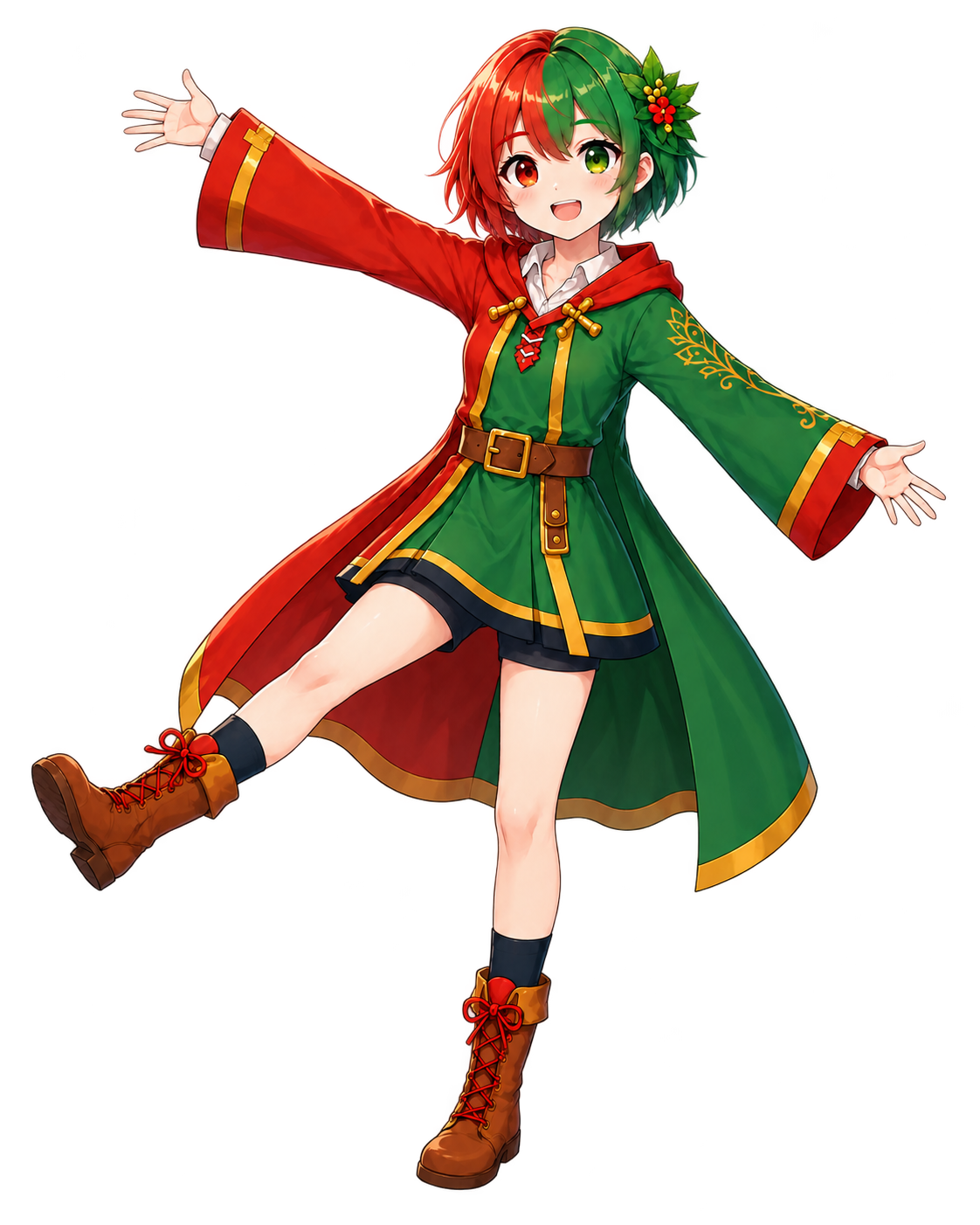
Prepare your avatar as a PNG with a transparent background. Use images you own or have permission to use.
HOW TO USE
Drag, resize, and rotate your avatar until it fits your photo. Face-cover stickers can also be used as decorations.
Register PNG images with transparent backgrounds. You can place one avatar in each photo and choose the one that best suits the scene.
Store up to 10 stickers, including the preinstalled designs. Place several in one photo to cover faces or add decoration.
We recommend creating a folder named “MioPeta” in your phone’s file manager and keeping your source images and finished photos there. This makes them easier to find if you need to register them again after reinstalling the app.
Use your own images or images you have permission to use. For photos of your favorite people or characters, check the copyright, publicity rights, and source terms, and only use, edit, or share them as permitted.
Photo editing takes place on your device. Your photos are not sent to a server for editing. Please see the Privacy Policy for information about data used for advertising.
No. MioPeta does not use facial recognition. Place a sticker over the area you want to hide, then adjust its size and position yourself.
No account is required. Ads are displayed in the app.
Yes. You can share saved PNG images through the social media apps on your device. Please respect the people shown in your photos and the rights and terms that apply to the images you use.
MAKE IT YOUR PHOTO.

Available for Android · Contains ads
The store page may not be available until the app is published.