Named pages
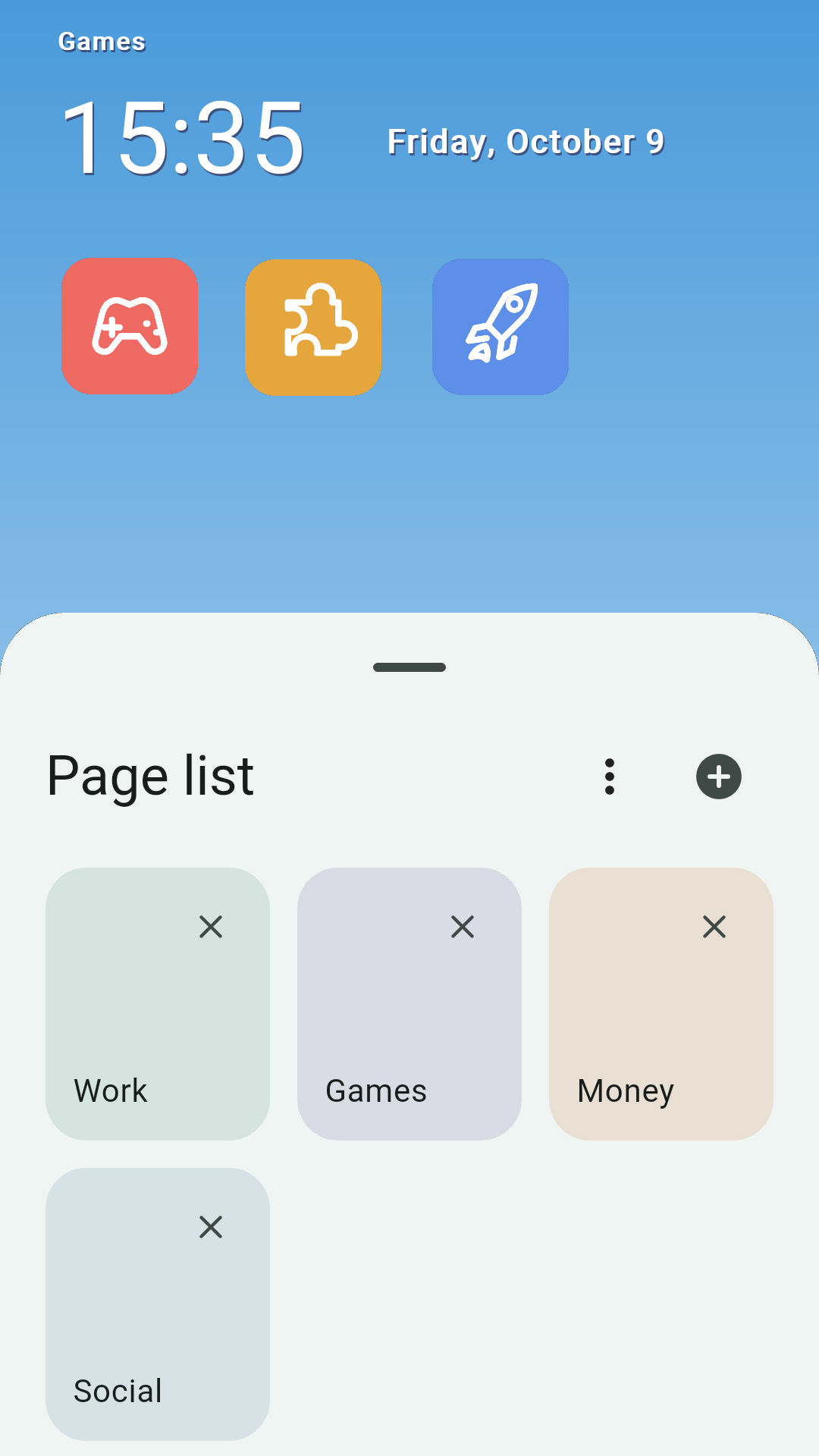
Add pages for the parts of your day and give each one a name. You can also choose a page from the page list.
 marimotomatoapps

HOME LAUNCHER FOR ANDROID
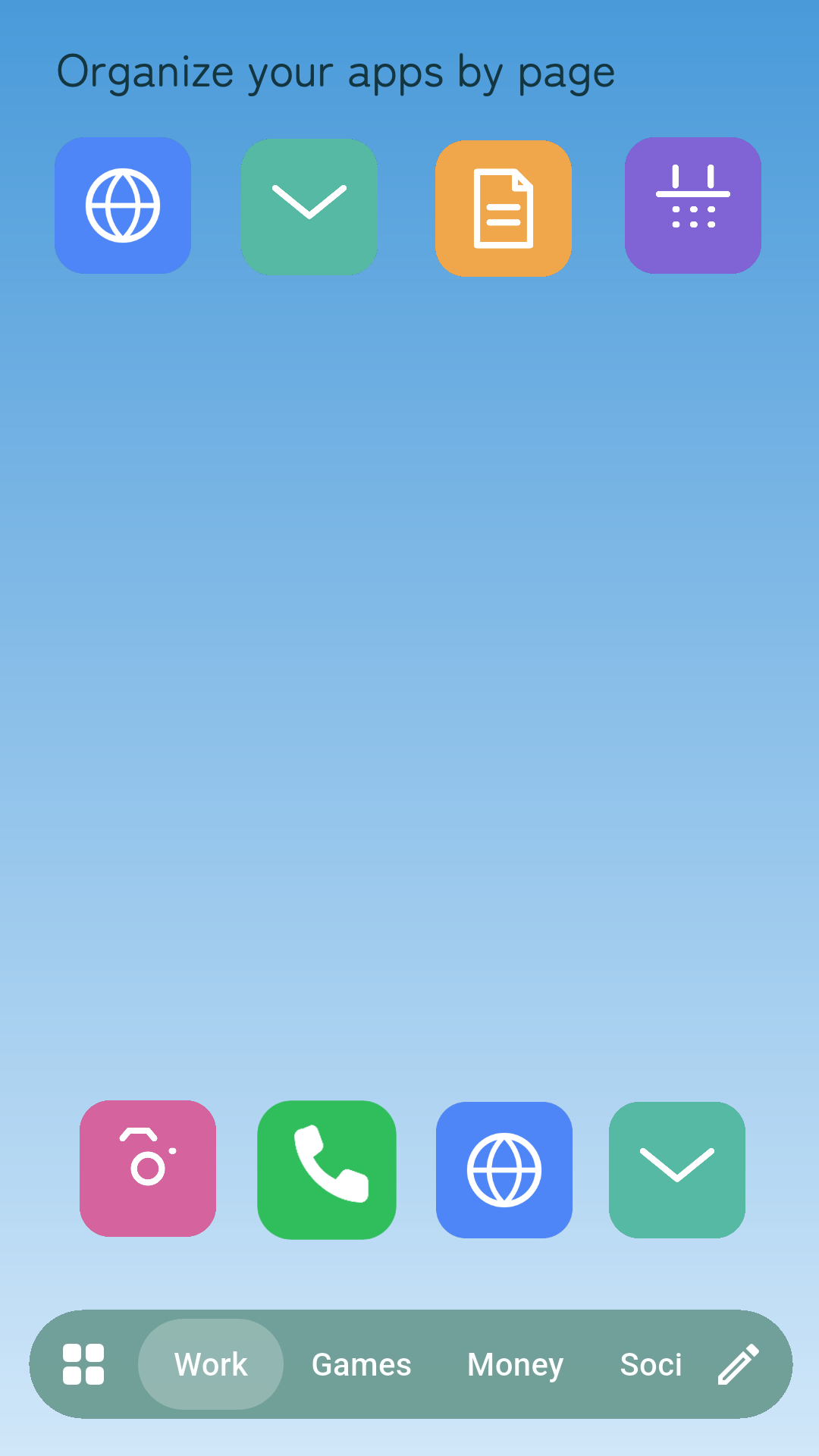
Sort the apps you use into named pages for work, games, shopping, social, and whatever fits your day.
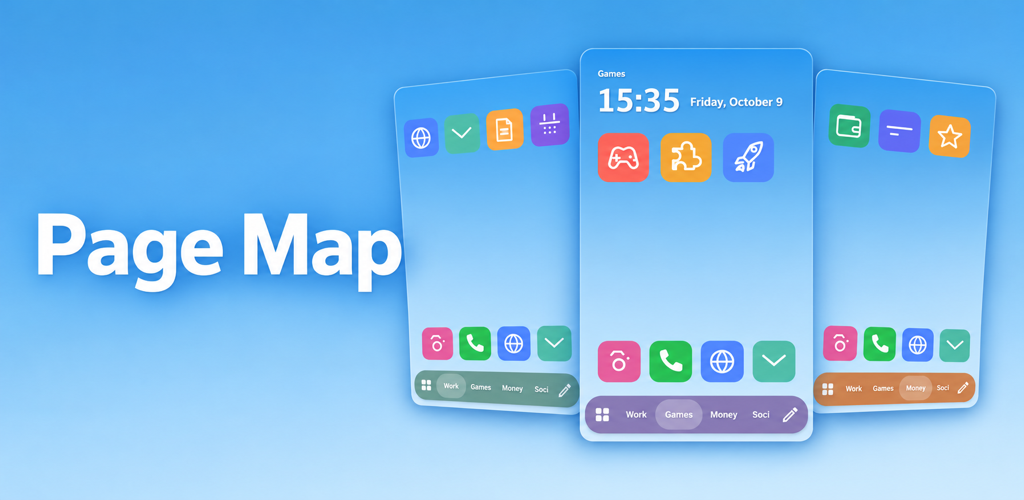
Add pages for the parts of your day and give each one a name. You can also choose a page from the page list.
Scroll through page names in the bottom bar to move quickly to the page you use most.
Long-press icons to change their position. Your pinned apps stay in the same place on every page.
MAKE A MAP OF YOUR APPS
Use page names and colours as easy landmarks for your apps. Add, rename, and remove pages from the page list.
EDIT WHEN YOU NEED IT
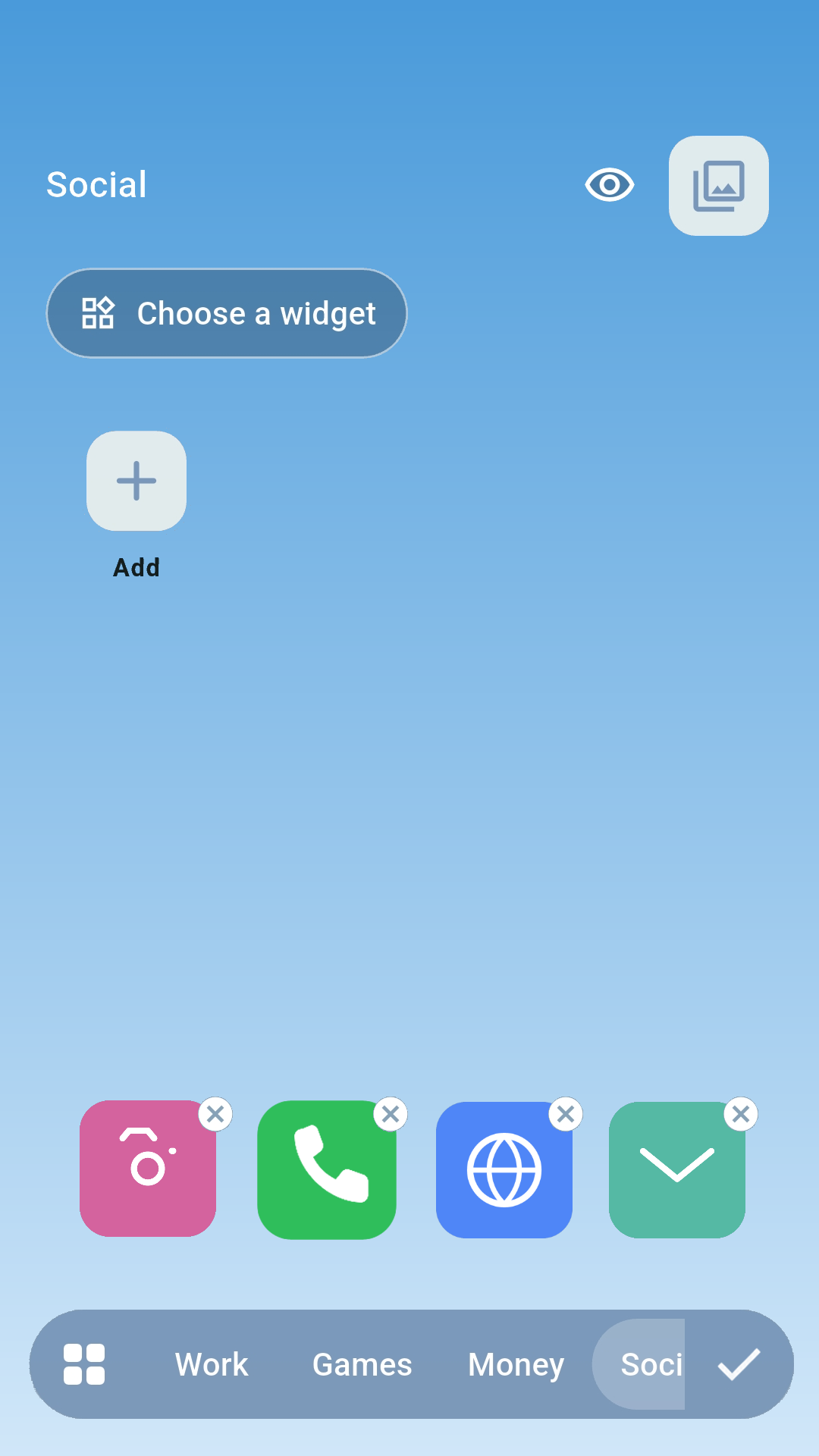
In edit mode, you can move and remove apps or add them to empty spots. The rest of the time, Page Map stays a clean home screen.
WIDGETS
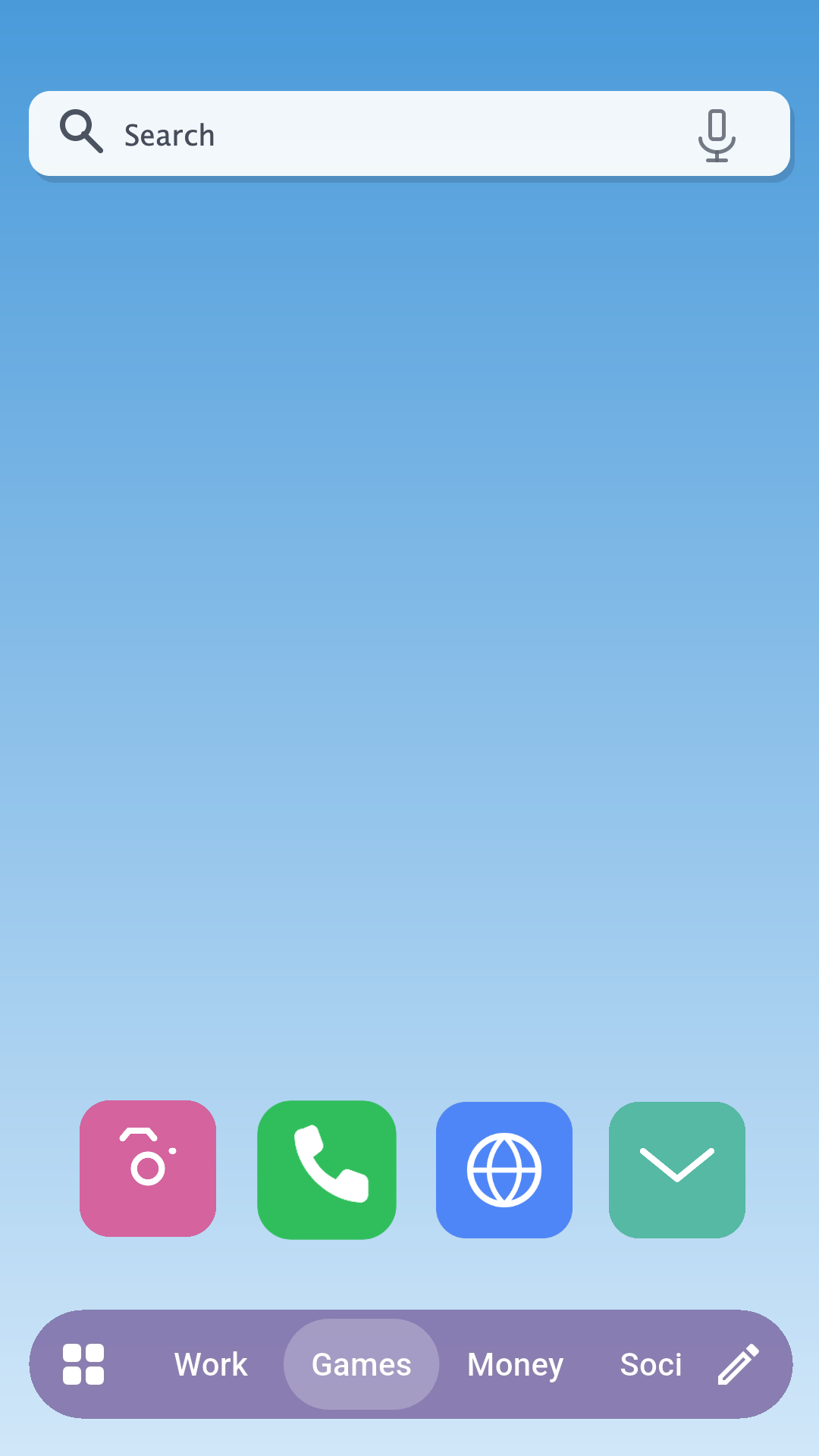
Place one compatible Android widget on each page. Keep information such as search or your schedule alongside the apps you use.
Icons are placement examples. The search bar is a widget example and requires a compatible app to be installed.
No. Create pages in Page Map and place apps manually.
Yes. You can choose another home app at any time from Android's home-app settings.
You can create a ZIP backup containing page names, app placement, pinned apps, clock settings, and guide images. Widget instances, settings, and placement are not restored from a backup.
Page Map is free and does not display in-app ads. This website displays ads to support its upkeep.
YOUR APPS, YOUR MAP.
Page Map is a home launcher for Android.