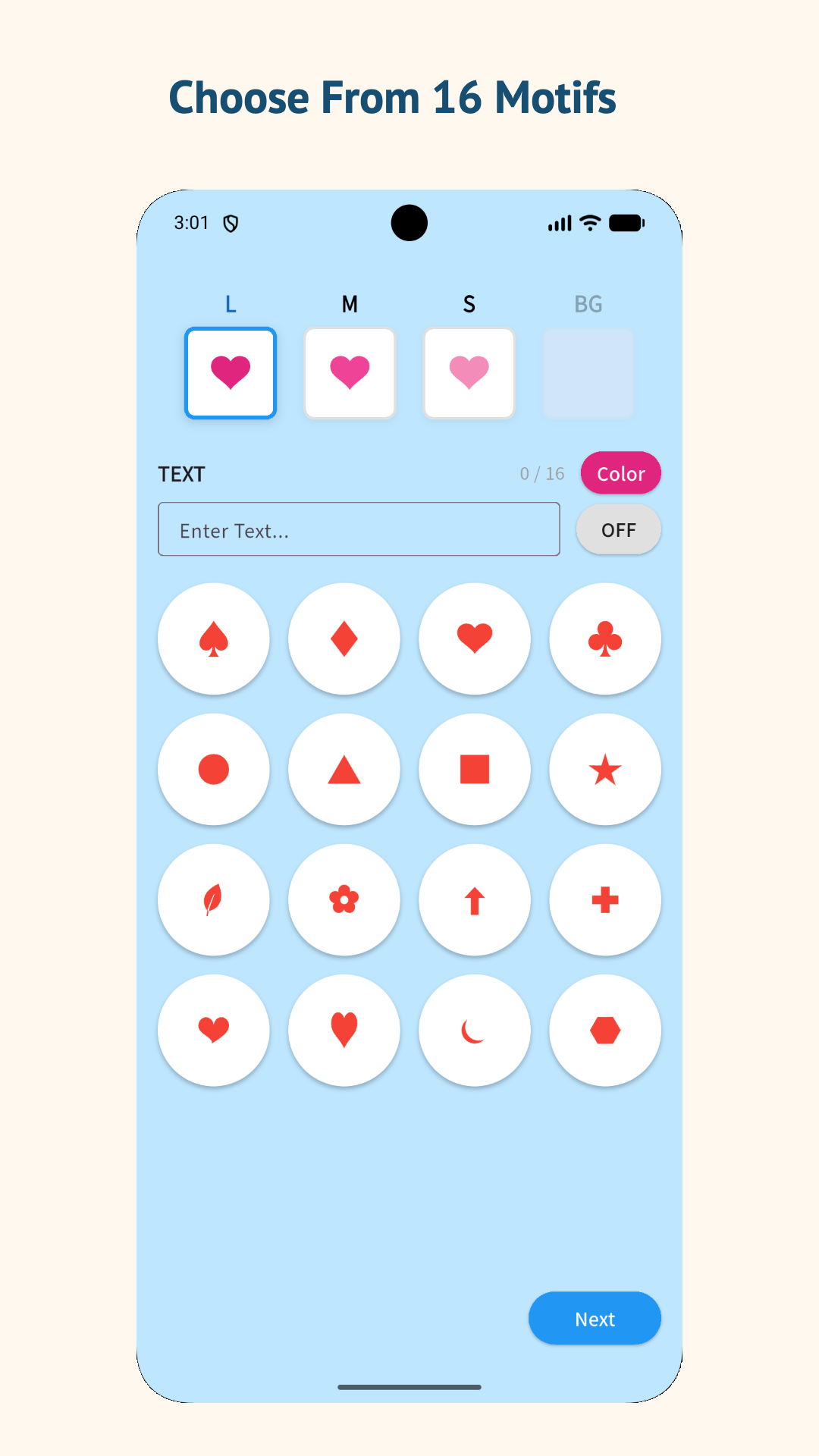
Choose From 16 Motifs
Select from suit and playing-card-inspired shapes to use as the base of your camouflage pattern.
 marimotomatoapps

Create camouflage-style wallpapers from suit and playing-card-inspired motifs. Choose your motifs and colors, adjust the pattern density and rotation, then select from two generation modes before previewing and saving the design on your Android device.
 Free to use · No account required
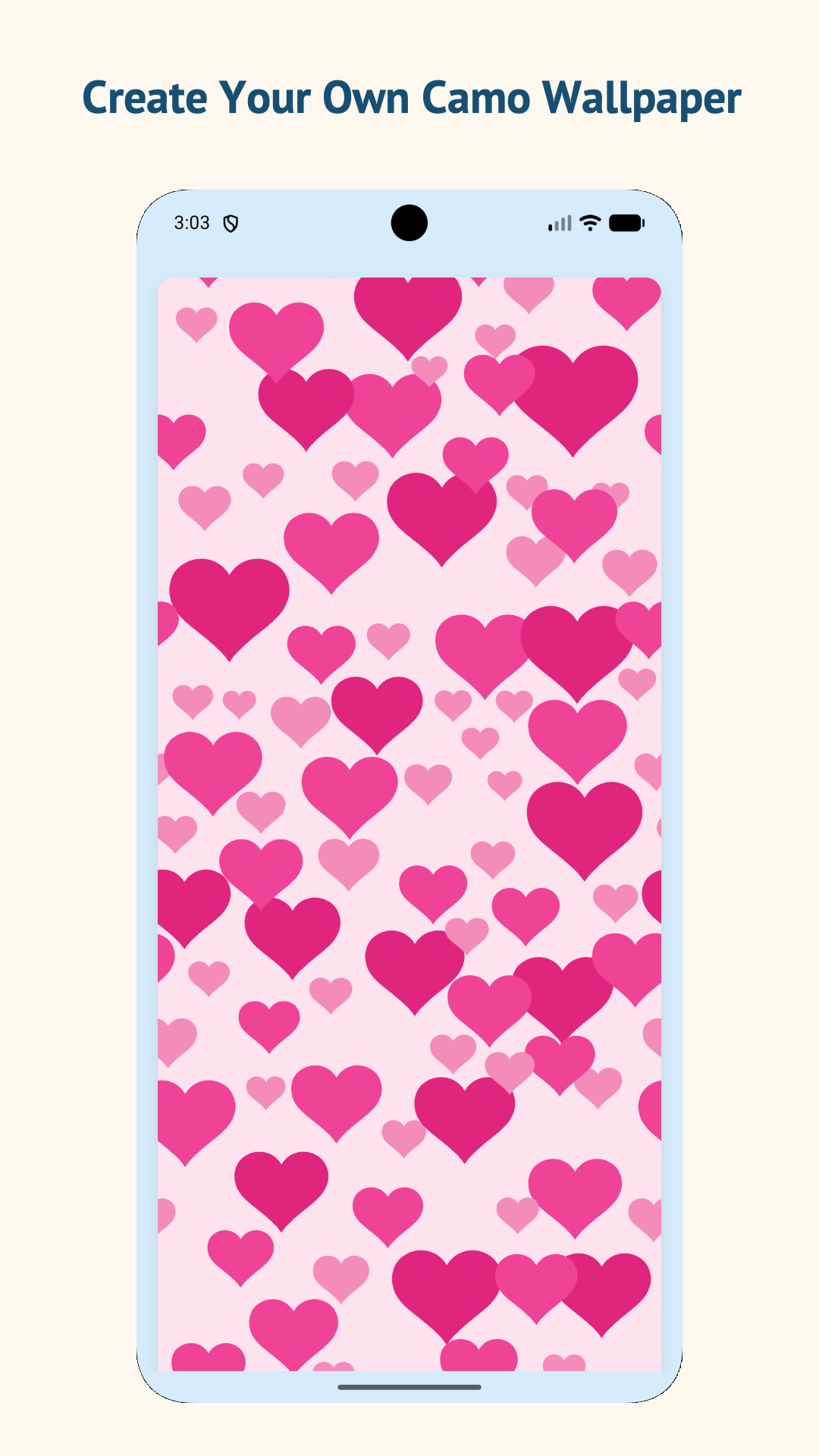
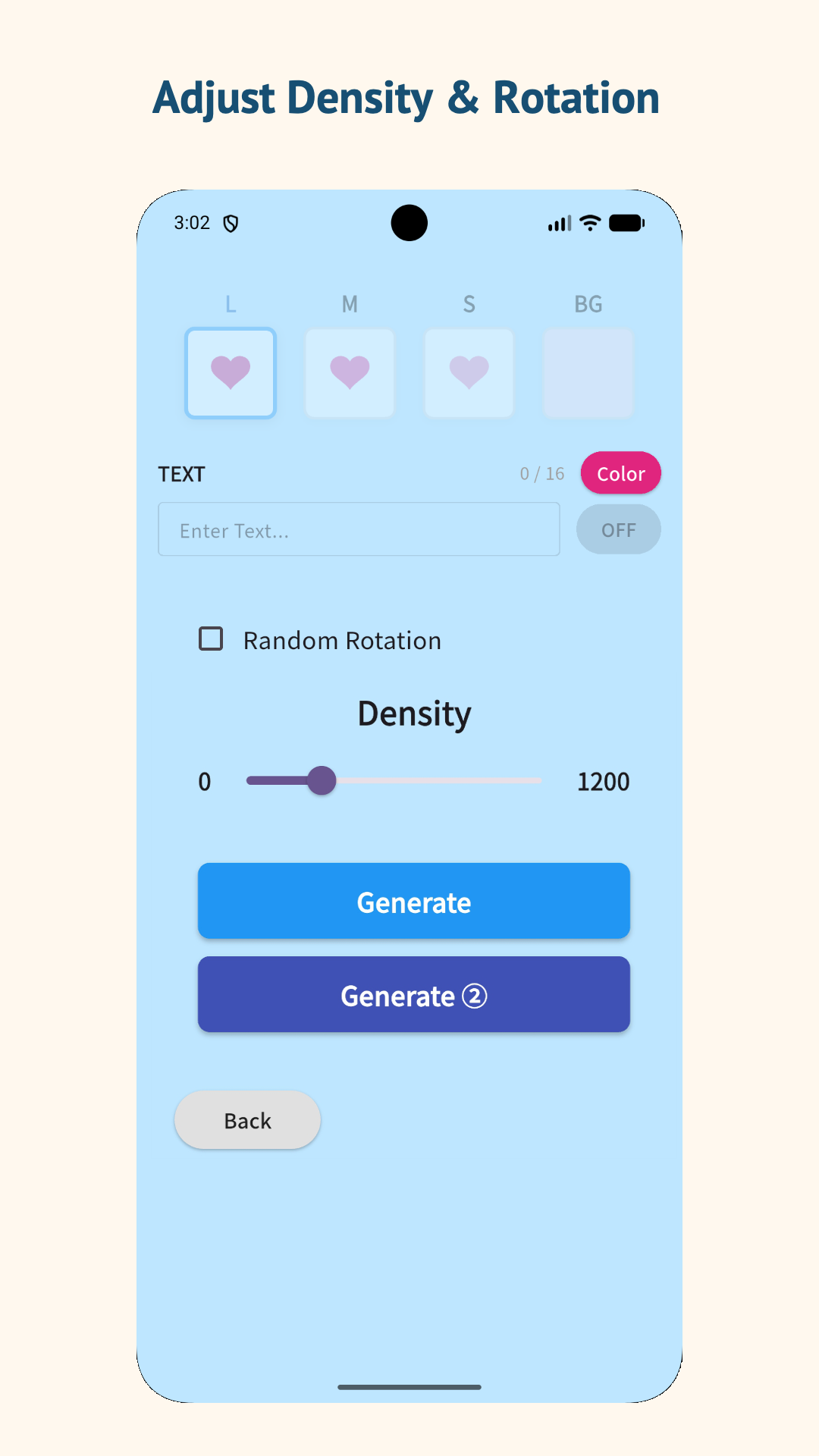
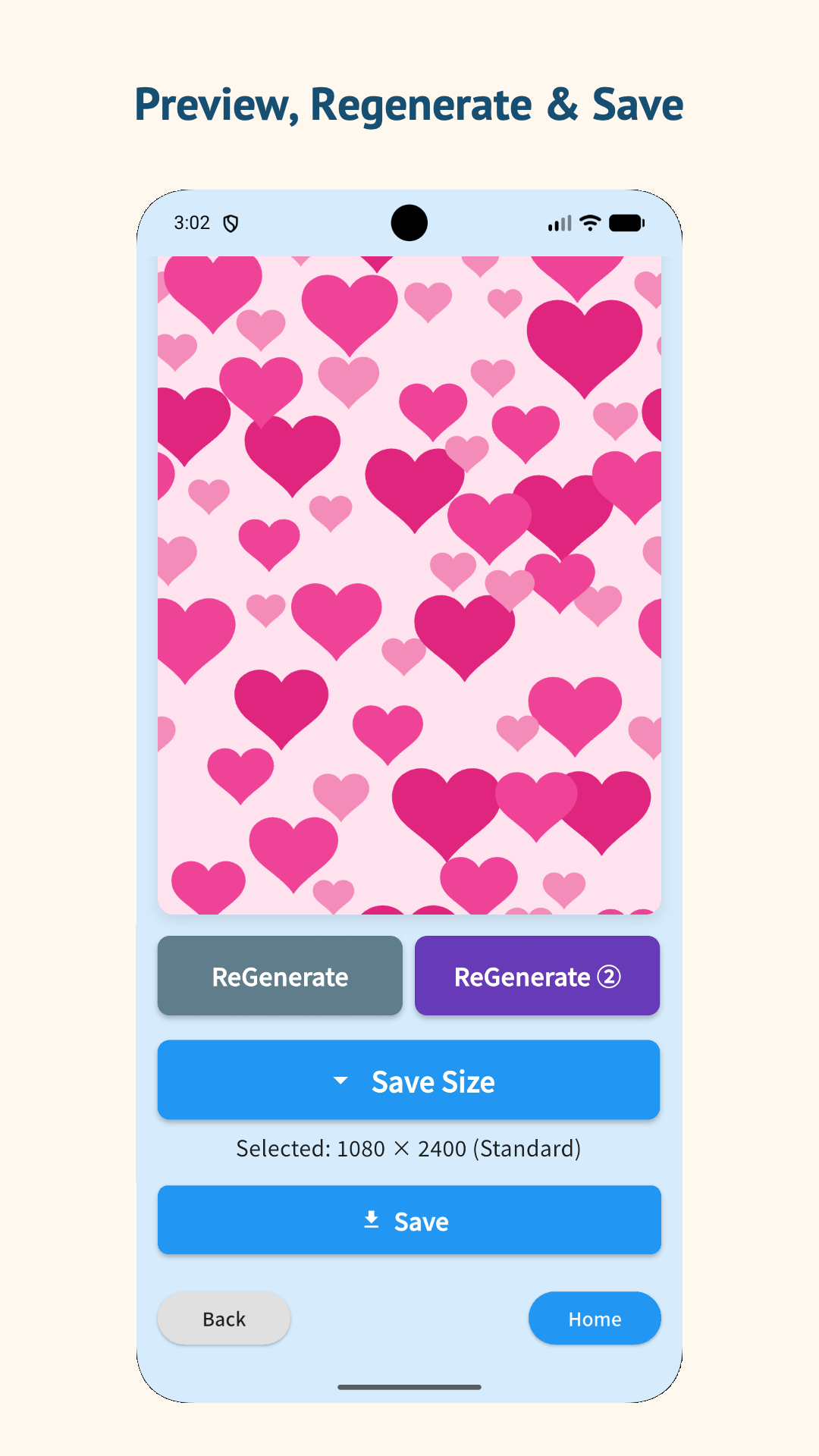
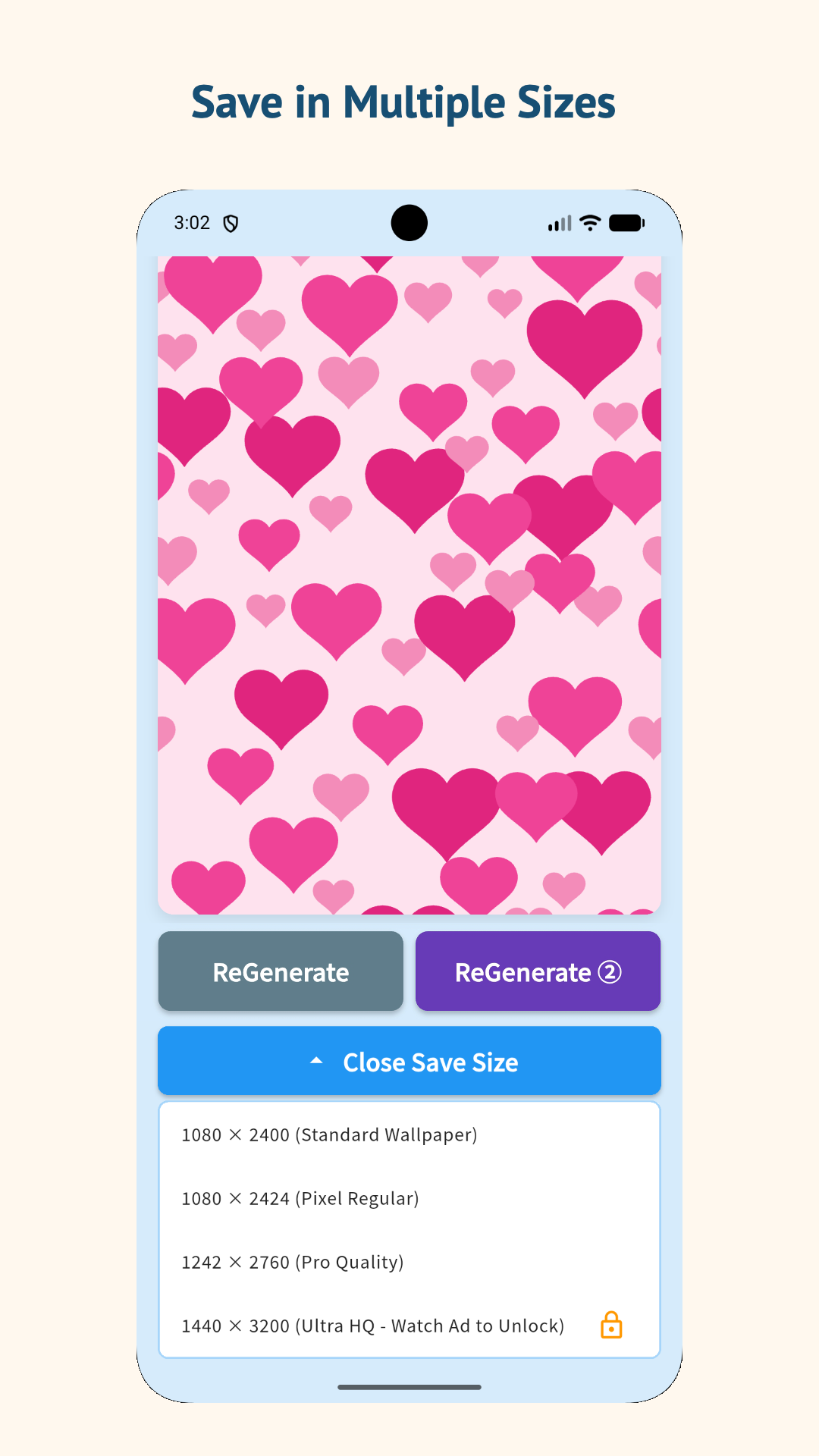
Build a wallpaper pattern by changing each part of the design.
Select from suit and playing-card-inspired shapes to use as the base of your camouflage pattern.
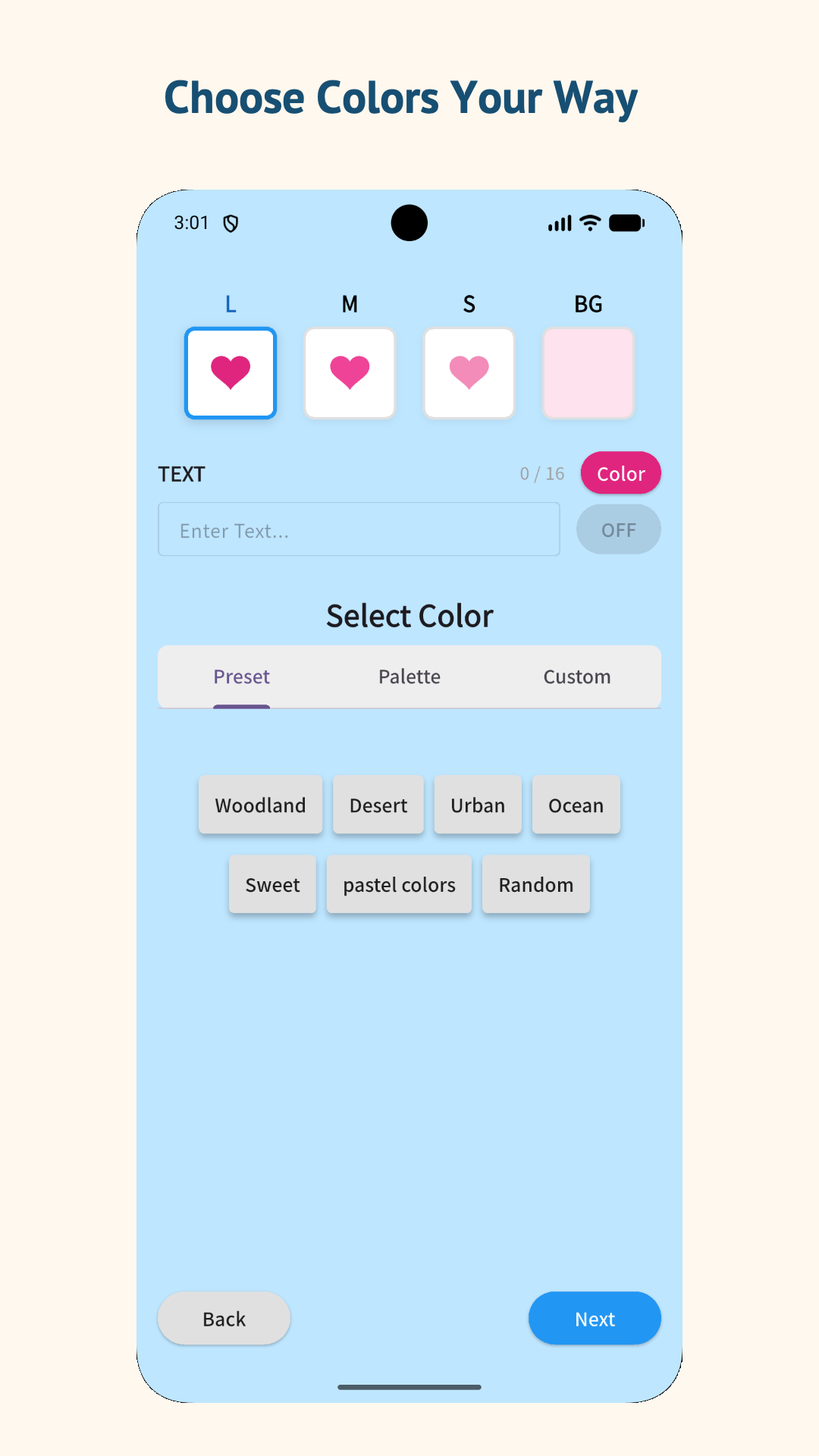
Set the background and motif colors to create a combination that suits your wallpaper.
Change how closely the shapes are placed and adjust their rotation before generating the pattern.
Use Generate for the standard pattern or Generate ② for a denser, more organic arrangement of large, medium, and small motifs.
Choose from the available save options and store the generated image on your device.
Wallpaper generation takes place on the device. Generated images and design settings are not uploaded to a marimotomatoapps server.
Create and save a pattern in five steps.
Choose the shapes that will repeat across the camouflage pattern for the L, M, and S layers.
Set the background and layer colors. Use a preset palette or choose custom colors, and add text if you like.
Use the slider to change the pattern density and enable random rotation when you want more variation.
Choose Generate for the standard pattern or Generate ② for a denser arrangement, then check the result in the preview. Use ReGenerate or ReGenerate ② to create another layout with the same settings.
Choose the size that fits your device, save the image, and set it as wallpaper from your Android settings.
Save your generated pattern as a PNG in a size that fits your device. After saving, set it as your wallpaper from Android settings or your photo app.
Choose from 1080 × 2400 up to 1440 × 3200.
Keep your motifs, colors, density, and rotation settings while creating a new arrangement in either generation mode.
Unlock the 1440 × 3200 save option by watching an optional rewarded ad.
The app does not require account registration. Generated patterns and design settings are processed on the device and are not stored on a server operated by marimotomatoapps.
Google AdMob banner ads are displayed to support operation and maintenance. Some save options may offer an optional rewarded ad. The rewarded ad is shown only when the user chooses to watch it. For details about advertising and data handling, please read the Privacy Policy.
Yes. All app features can be used without a purchase or subscription. The app displays banner ads, and some save options may offer an optional rewarded ad.
No generated image or design setting is uploaded to a server operated by marimotomatoapps. Advertising services may process device and usage information as described in the Privacy Policy.
Depending on the Android version, access may be requested when you choose to save a generated image. It is used for the requested save operation.
The app saves the generated image to your device. You can then set it as wallpaper using your device's wallpaper or photo settings.
Pattern generation is performed on the device. An internet connection is used for advertising, and a rewarded ad cannot be displayed when the advertising service is unavailable.
Combine motifs, colors, density, and rotation to make a wallpaper for your Android device.