marimotomatoapps
marimotomatoapps provides lightweight online tools and mobile apps designed to simplify everyday digital tasks. Image editing tools such as image resizing, cropping, and background removal process images locally in your browser, so your image files are not uploaded to our servers. We also provide convenient features such as AI-powered text optimization.
An Android home launcher that helps you organise apps into named pages. Switch between pages with a swipe or the bottom page bar, and arrange apps whenever you need to.
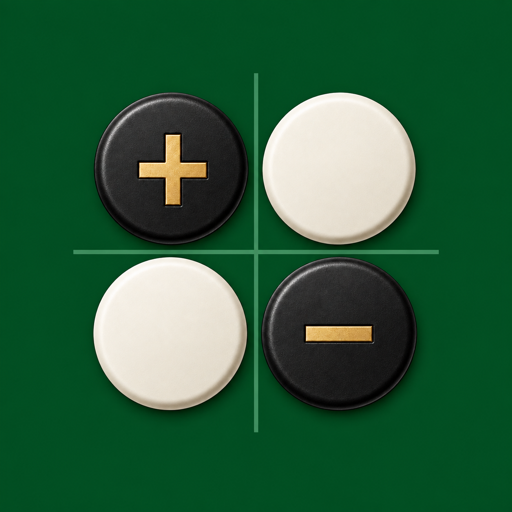
A Reversi game where the winner is decided by the score of occupied squares, not disc count. Choose from four boards and play against the CPU or another player on the same device.

Create camouflage-style wallpaper patterns using suit-shaped elements. Adjust the colors and pattern density, preview the result, and save it for use on your smartphone.

Add your favorite avatar to your photos. Layer avatars and stickers to cover faces or decorate your memories. Adjust their position, size, and angle, edit on your device, and save your creation as a PNG image.
Browser-based tools for resizing, compression, background removal, color adjustment, and AI-assisted X post drafting. No account is required.
Resize images while preserving their proportions, or crop them to exact dimensions using an adjustable selection frame. Social media size presets are also included.
Reduce image file size with adjustable quality settings and export the result for websites, social media, or storage.
Remove selected background areas with a mask, then refine the result using the manual brush controls.
Adjust brightness, contrast, saturation, hue, and other color settings using on-screen sliders.
Rewrite long text into an editable X post draft with Google Gemini. Check the weighted X character count, copy the result, or open it directly in the X composer.
Email Address support@marimotomatoapps.com
Location Japan
*Your email app will open. If it doesn't work, please send a message directly to the address on the left.